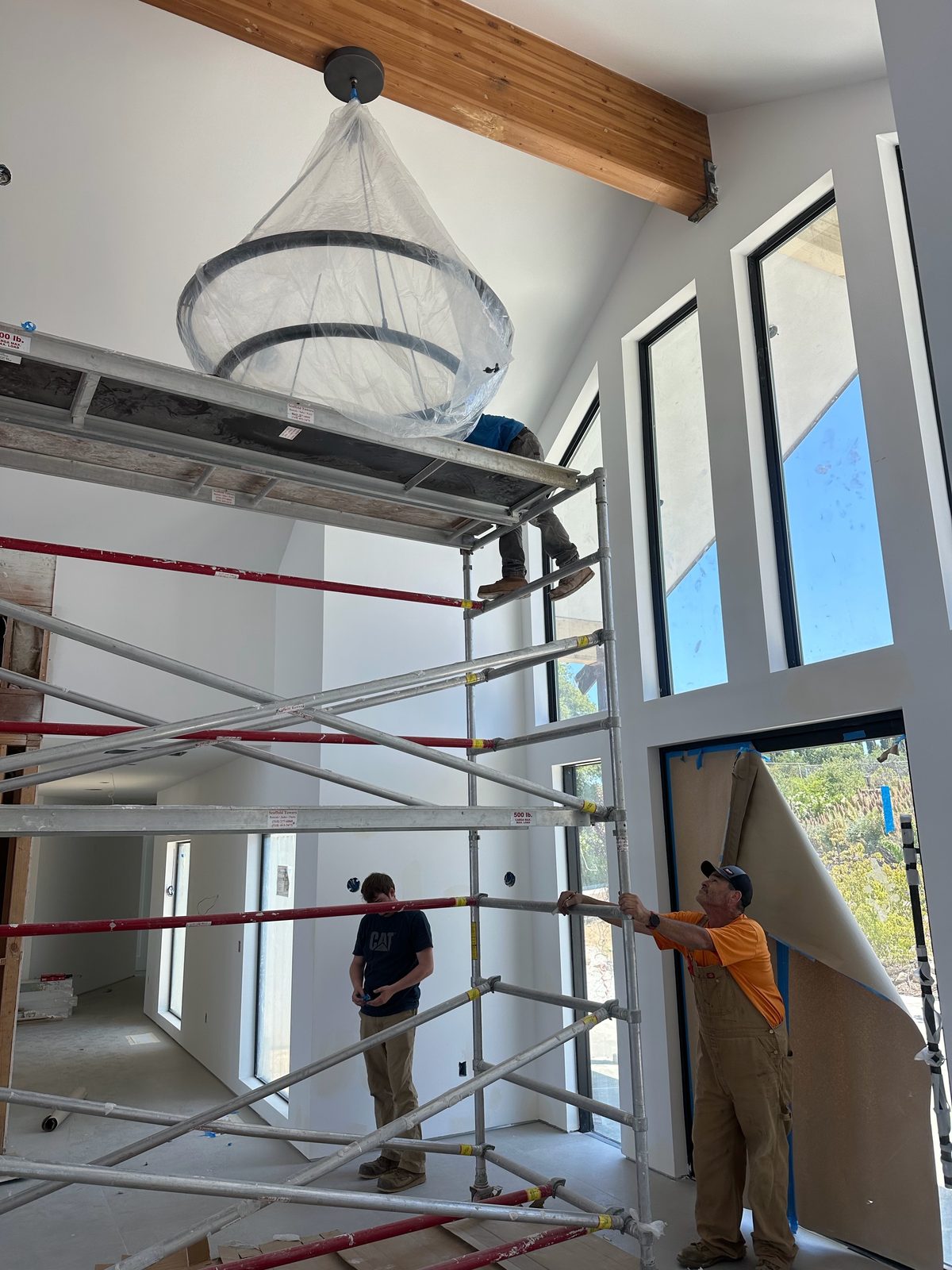
We love this kind of work. There’s something special about walking into a home where one button sets the evening lights, closes the shades and turns on a little music. But the magic only lasts when the part you can’t see is done right: the wiring, the boxes, the network and the power behind it all.
That’s where we come in. We’re electricians first, so we think about your home by what you want it to do, not by brand. We’ll help you plan the backbone, prewire a new build or remodel, or find the least messy way to add smart features to the home you already have. Already looked at our Smart & Security Tech overview? This page goes deeper on the whole-home side. Thinking about energy too? See solar, batteries and renewable energy.
What we do
- Lighting control and scenesSmart dimmers and keypads, scenes like “Evening” or “All off,” schedules and the neutrals and deep boxes they need.
- Motorized shadesPower or low-voltage wiring at each window head, planned before the drywall goes up when we can.
- Whole-home audio and videoSpeaker wire, in-wall and ceiling speakers, network runs to each TV, and a tidy spot for the equipment.
- ClimateWiring for smart thermostats and sensors, so heating and cooling can follow your schedule and your scenes.
- Security and camerasWired PoE cameras, alarm sensors and doorbell cameras, with recording that can stay on your property.
- Access, gates and intercomsSmart locks, gate operators and video intercoms you can answer from your phone.
- Energy monitoring and backupSmart panels, solar, batteries, generators and EV chargers that can show up in the same app.
- Voice controlFrom simple voice assistants to private, professionally installed systems such as Josh.ai.
- Networking and Wi-FiWired Ethernet, ceiling access points and a rack with battery backup: the backbone everything rides on.
- Prewire and retrofitStructured wiring for new builds and remodels, and wireless options when the walls are already finished.
How a whole-home system fits together
Every smart home, big or small, has the same layers: power (circuits, neutrals, boxes), a network (cable, Wi-Fi, PoE), a controller or app that runs the logic, and the things you touch: keypads, screens, your phone or your voice. When one layer is weak, the whole thing feels flaky. When they’re all solid, it just works.
- 1The rack is the heart: internet, router, network switch with PoE, the control processor and a battery backup (UPS) so it all rides through a blip.
- 2Voice control: room microphones or speakers. Ask where your voice is processed (see below).
- 3Energy: a smart panel, solar, battery, generator and EV charger can report into the same app.
- 4Lighting and shades need power and boxes in the right places, which is easiest before the drywall.
What it can do, by function
We find it’s easiest to plan by what you want, not by product. Here’s what each part does and what it needs from the wiring.
| Function | What it does for you | What it needs from the wiring |
|---|---|---|
| Lighting and scenes | One button or a schedule sets several lights at once. Lights can follow sunset, dim at night, or all turn off when you leave. | Smart dimmers or keypads, usually a neutral in the switch box, and room for multi-gang boxes. See smart lighting controls. |
| Shades | Shades that open with the morning and close for afternoon heat or privacy. | Power or low-voltage cable at each window head, decided before the drywall goes up. |
| Audio and video | Music in any room, TVs fed from one spot, a movie scene that dims the lights. | Speaker wire, network cable to each TV, and a ventilated spot for the equipment. |
| Climate | Heating and cooling that follows your schedule and your scenes. | Thermostat wiring with a common (C) wire, plus sensors where you want them. |
| Security and cameras | See what’s happening at home, get alerts, keep recordings. | Network cable to each camera with PoE, and a recorder. See security cameras. |
| Access, gates and intercoms | Let a guest in from your phone, see who’s at the gate, lock up at bedtime. | Power and cable at doors and gates. See intercoms and access control. |
| Energy | See what your home is using, what solar is making and how full the battery is; shed loads in an outage. | A smart panel or monitoring, and a plan for solar, battery, generator and EV. See solar and batteries. |
| Voice | Ask for a scene, a song or the temperature in plain words. | Mics or speakers in each room, and a strong network. |
Private voice control, for example Josh.ai
Voice is the part people love most, and the part people worry about most. Mass-market speakers from Amazon, Google and Apple are easy to add. Some families want something built for a professionally integrated home instead. Josh.ai is one example: a voice, touch and text control platform for lights, shades, music, TVs, thermostats, cameras, gates, door stations and more.
- A processor in your home. Per Josh.ai, its Josh Core processor is installed by a professional, is powered over PoE, supports up to 500 controllable devices, and runs device control and most processing locally. It requires a Josh software plan and an enterprise-grade network.
- Where your voice goes. Josh.ai’s privacy page explains that after the wake word, audio is sent through encrypted cloud speech recognition, then the command is processed locally. Requests like music or weather use web services. You can delete chat history and turn off AI learning.
- Microphones you barely see. The Josh Nano is a small flush-mounted microphone with a switch that physically disconnects the mics. It works with Josh Core and is sold through Josh.ai’s installer network.
Whatever voice system you pick, our job is the same: the network cable, PoE, power and boxes in the right places, so it hears you and answers fast. We’re not affiliated with Josh.ai or any company named on this page.
Platforms, by how they work
There’s no single best system. They’re built for different homes and different people. Here are a few common types, listed with examples only so you can recognize them.
| Type | Examples | How it’s set up | Things to ask |
|---|---|---|---|
| Professionally installed whole-home control | Control4, Crestron, Savant | A trained installer designs and programs it; one app, remotes, keypads and screens for the whole home. | Who programs and supports it, any yearly fees, and what happens if that installer moves on. |
| Private voice control | Josh.ai | A local processor plus room mics, installed by a professional; works with many other systems. | Software plan, where speech is processed, network requirements. |
| Lighting-first systems | Lutron and others | Dimmers, keypads and shades on their own reliable network, which can tie into a larger system. | Neutral needs, box sizes, which other systems it connects to. See smart lighting controls. |
| Open and local-first | Home Assistant | Open-source software that, in its own words, puts local control and privacy first; very flexible, best for hands-on owners. | Who will maintain it, backups, updates. |
| Consumer ecosystems | Apple Home, Google Home, Amazon Alexa | Do-it-yourself apps and speakers; many devices now share the Matter standard. | What works without the internet, account and privacy settings. |
Any product names here are only examples to help you recognize what’s out there, not recommendations. IES is an independent electrical contractor and isn’t affiliated with, sponsored by or endorsed by any manufacturer. If you already own a system, call us and we’ll tell you honestly whether we can help.
Privacy, local vs. cloud, and the network
“Local” means your devices talk to a controller inside your home. “Cloud” means some commands travel over the internet to a company’s servers and back. Most systems are a mix. Neither is wrong; it’s about knowing what you’re getting.
| Local control | Cloud control | |
|---|---|---|
| Internet goes down | Lights, scenes and schedules usually keep working. | Some or all features may stop until it’s back. |
| Speed | Usually very quick. | Depends on your connection and the service. |
| Privacy | More of your data stays in your home. | Data goes to the provider; check its privacy settings. |
| Away from home | Needs a secure remote-access path. | Usually built in. |
Matter, the open standard many brands now share, is built for local control over Wi-Fi, Thread or Ethernet. Per the Connectivity Standards Alliance, controlling Matter devices while you’re away still needs a controller at home that’s connected to the internet, and Thread devices need a Thread border router.
The network is the backbone. We like wired Ethernet for anything that doesn’t move (TVs, cameras, access points, the controller), ceiling-mounted access points instead of one router in a closet, and a battery backup on the rack. Putting smart devices on their own network segment is a good habit for privacy and security. More on our network and Wi-Fi page, backup internet and how PoE works.
Prewiring a new build or remodel
If the walls are open, this is the moment. Cable, boxes and neutrals cost little before drywall and a lot more after. Even if you don’t buy the smart gear yet, a good prewire keeps every door open.
Neutrals at switches. The electrical code generally requires a neutral conductor at lighting switch locations serving bathrooms, hallways, stairways and habitable rooms, with a few exceptions, and electronic switches that need standby power must have it connected (NEC 404.2(C), paraphrased). Many smart switches need it, so we make sure it’s there, even in places the code doesn’t require.
0 of 10 done
Building new or remodeling? See low-voltage and structured cabling. We also wrote a deeper smart home wiring guide.
Adding smart features to a finished home
No open walls? No problem. There’s a lot you can do with little or no patching:
- Wireless dimmers and keypads that replace your existing switches. If a box has no neutral, the code allows some replacement switches without one where it can’t be added without opening finished walls, and some smart switches are made for that.
- Matter and Thread devices that work across apps, plus a good border router.
- Better Wi-Fi with a couple of access points; we can often fish a cable through an attic or crawlspace to feed them.
- A smart panel or energy monitor to see and manage what your home uses. See smart panels.
- Battery-powered shades and sensors where running wire would be too disruptive.
What to ask before choosing a system
Whoever you talk to, these questions will tell you a lot:
0 of 8 done
What working with us looks like
- Honest and brand-neutralWe plan around what you want the home to do. If a simpler setup will make you happier, we’ll say so.
- Respect for your homeDrop cloths down, dust contained, and every room left cleaner than we found it.
- Labeled and documentedEvery cable labeled at both ends and a simple map of what goes where.
- A phone that gets answeredWalter answers his own phone nearly all the time, 24/7.
Call (530) 401-7419 any time, or request a free estimate. A few smart switches or a whole-home prewire, we’ll help you get the backbone right.
How the job goes
- 1Tell us how you live
Call (530) 401-7419 or send a request. What do you want the home to do? Morning routines, movie nights, keeping an eye on things when you’re away.
- 2Walkthrough and plan
We look at the panel, the walls, the attic and the network, then sketch where wires, boxes, access points and the rack should go.
- 3Prewire or retrofit
In a new build or remodel we run it all before the drywall. In a finished home we pick the least messy path.
- 4Power, network and devices
Circuits, neutrals, low-voltage runs, PoE, access points and the rack, labeled and tested.
- 5Hand-off
We walk you through it, label everything and leave you a simple map of what goes where, so the next person can help too.
Permits, inspections and PG&E
Inside Auburn city limits, electrical permits come from the City of Auburn Building Division, which takes permit applications online. In unincorporated areas, such as North Auburn, it’s Placer County Building Services. Elsewhere it’s that city or county’s building department. We pull the permit, schedule the inspection and meet the inspector.
New circuits, panel work and most work in walls need an electrical permit. Low-voltage-only work, like network and speaker cabling, is often handled differently, and rules vary by city and county, so we check with the building department for your address before we start.
From our Google reviews
Walter came and did a ceiling light install for me. Very courteous and thorough…
Walter was great and kept me informed throughout the visit on his progress. Plus he was super nice.
5.0 on Google · 108 reviews Read all our reviews on Google →
Common questions
Do I need a smart home “system,” or are separate smart devices fine?
Either can work. A few smart devices on a good network is a fine start. A whole-home system makes more sense when you want lots of rooms, scenes, shades, audio and security to work together from one app, keypad or voice. We’ll help you figure out which fits.
Will my smart home still work if the internet goes down?
It depends on the system. Some devices and platforms run locally and keep working; others need the cloud for some or all features. It’s one of the first questions we suggest asking before you choose anything.
Why do smart switches need a neutral wire?
Many smart switches need a little power all the time to stay connected, and they get it through the neutral. The electrical code generally requires a neutral at most lighting switch locations in newer work, but older homes often don’t have one. We can check your boxes and suggest switches that fit.
What is Josh.ai?
Josh.ai is a voice and app control platform for professionally integrated homes. Per Josh.ai, its Josh Core processor handles device control and most processing locally, and its Josh Nano microphone has a switch that physically disconnects the mics. We mention it as one example; we’re not affiliated with Josh.ai or any company named here.
What is Matter?
Matter is an open smart home standard backed by many companies. Matter devices talk over Wi-Fi, Thread or Ethernet, can be controlled locally on your home network, and are meant to work across ecosystems like Apple Home, Google Home and Amazon Alexa.
Should I prewire for a smart home during a remodel?
If the walls are open, yes, it’s the least expensive time. Network cable, speaker wire, shade wiring, deep boxes and neutrals cost little to add before drywall and a lot more later.
Do you program the system too?
Our focus is the electrical, the low-voltage cabling and the network backbone. Some platforms are programmed by the maker’s trained installers; we’re happy to work alongside whoever you choose and we’ll always be upfront about who does what.
Are estimates free?
Yes. Estimates are free. We’re licensed C-10 electrical contractor #1081222, and we work throughout California.
Request a free quote
Free estimates, no pressure. Tell us a little about the job and we’ll get back to you. Or call (530) 401-7419, answered 24/7.
Sources
- City of Auburn Building Division www.auburn.ca.gov
- Placer County Building Services www.placer.ca.gov
- Josh.ai: Smart home voice control www.josh.ai
- Josh.ai: Josh Core processor josh.ai
- Josh.ai: Privacy josh.ai
- Josh.ai: Josh Nano microphone josh.ai
- Control4 (maker’s site) www.control4.com
- Crestron (maker’s site) www.crestron.com
- Savant (maker’s site) www.savant.com
- Home Assistant: Open source home automation www.home-assistant.io
- Connectivity Standards Alliance: Matter FAQ csa-iot.org
- EC&M: NEC requirements for switches (neutral at switch locations) www.ecmweb.com
Product names are only examples, checked against each maker’s own site on Nov 2, 2026. Features change, so please confirm details with the maker or the installer you choose. Code sections are paraphrased, not quoted. Checked against the sources above in November 2026.