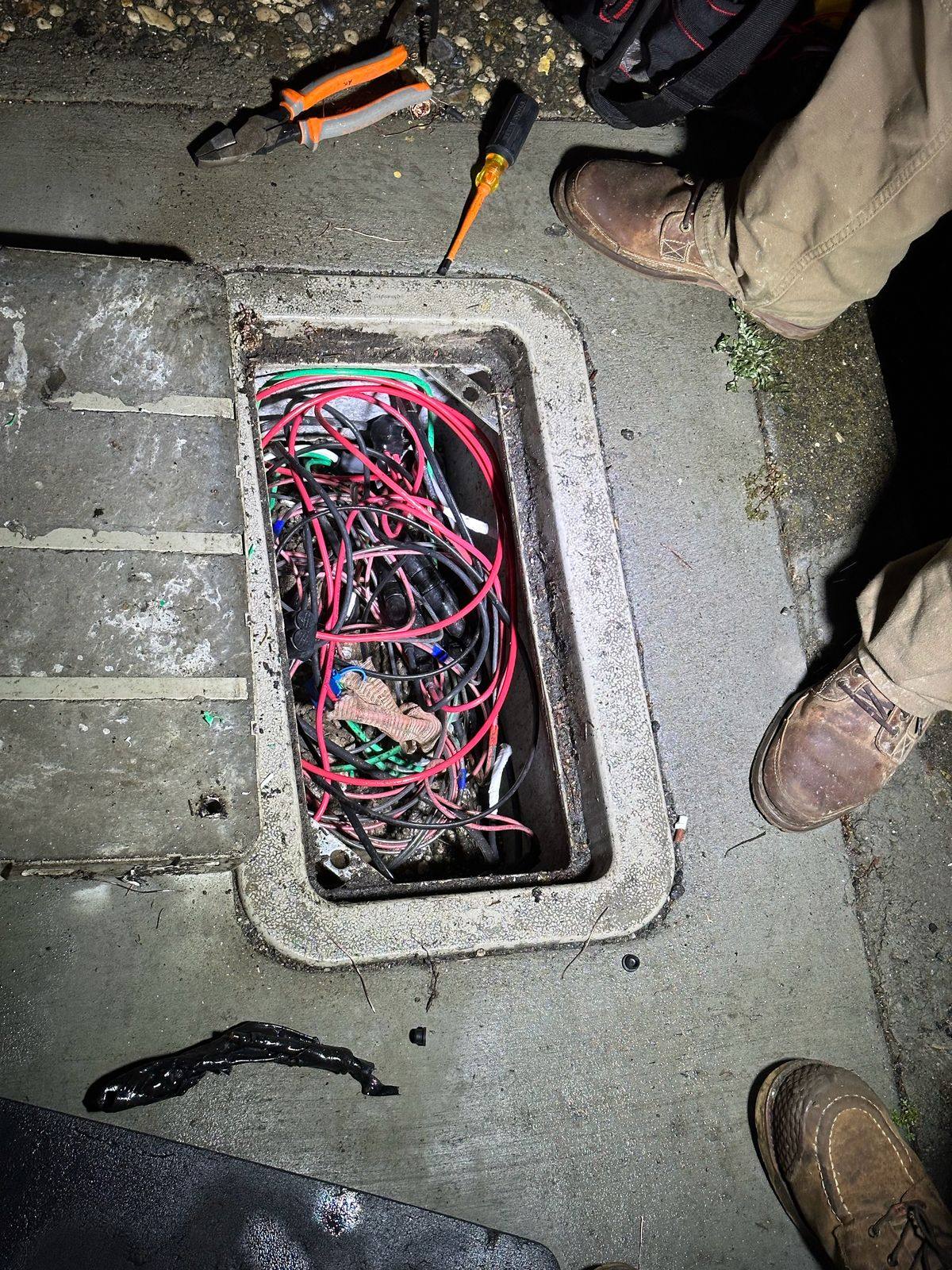
Keys get copied, lost and never returned. Electronic access lets you decide who gets in, where and when, and change it from your phone. We wire the doors and gates, set up the readers and intercoms, and design every opening around safe exit and fire department access first.
What we do
- Door accessReaders, electric strikes and magnetic locks, door sensors and request-to-exit.
- Gate accessLicense plate cameras, keypads, readers and gate hubs tied to your operator.
- IntercomsVideo intercoms so visitors can call and you can open from your phone.
- Fire department accessKnox key switches and overrides where your fire district requires them.
- Cameras tied inVideo saved with each entry, so the log shows who and what.
- Power and conduitCircuits, conduit and trenching out to the gate.
How electronic access control works
Instead of keys, people use a card, a phone, a PIN or, at a gate, their license plate. The system checks who they are and whether they’re allowed in right now, unlocks, and writes it down. Lose a card? It’s turned off from the app in seconds, and nobody has to rekey anything.
- CredentialA card, fob, phone, PIN, face or plate.
- ReaderReads it at the door or gate.
- Hub decidesIs this person allowed, at this door, at this time?
- UnlockThe lock releases or the gate opens.
- LogWho, where and when, with video if cameras are tied in.
| Credential | How it works | Good for |
|---|---|---|
| Card or fob | Tap on the reader (NFC, read range about an inch). | Staff, residents, everyday use. |
| Phone and wallet | Unlock from the app, or tap a phone or watch with the pass in Apple or Google Wallet. | Fewer cards to hand out; easy to revoke. |
| PIN | A code on the keypad. | Back doors, gates, deliveries. |
| QR code | A one-time or time-limited code sent to a visitor. | Guests and contractors. |
| Face | Supported on certain readers and intercoms. | Hands-full entry, where its privacy rules fit. |
| Fingerprint | On fingerprint reader models. | Rooms that need more than a card. |
| License plate | A plate on the list opens the gate. | Residents and staff driving in. |
Credential types from Ubiquiti’s reader guide and G2 Reader Pro specs. UniFi Access readers are UL 294 listed and connect to a hub to unlock.
- 1Reader outside: card, fob, phone, PIN and, on some models, face.
- 2Electric lock: an electric strike or a magnetic lock, chosen for the door.
- 3Request-to-exit sensor: unlocks as someone walks up from inside.
- 4Door position switch: knows if the door was forced or propped open.
- 5Push-to-exit button: a manual release, required with magnetic locks.
- 6Door hub: decides who gets in and when, and keeps the log.
Electric strike or magnetic lock? And getting out safely
| Electric strike | Magnetic lock | |
|---|---|---|
| How it holds | Replaces the strike plate in the frame; the latch is released electrically. | An electromagnet on the frame holds a steel plate on the door. |
| If power fails | Comes either way: stays locked (fail-secure, the usual choice and the one fire-rated doors need) or unlocks (fail-safe). | Always releases when power is removed (fail-safe). |
| Getting out | The inside lever opens the door as usual. | Needs a sensor and a push-to-exit button inside, and has to release on fire alarm. |
| Often used on | Most single doors with a lever set. | Glass doors and doors where a strike won’t fit. |
Fail-safe and fail-secure behavior from Allegion.
Gate access: keypads, intercoms, phones and plates
- 1A car pulls up to the gate.
- 2A plate camera reads the plate. A plate on the list is a credential, like a key card.
- 3Keypad, card or intercom pedestal for visitors and anyone without a listed plate, with the fire department’s override switch where required.
- 4Safety photo eyes on both sides of the gate. The operator watches them and won’t close on a car or a person.
- 5Every opening is logged, with a video clip.
In UniFi Access, a gate hub connects to the gate operator’s control terminals, plus a lock on a side pedestrian gate and gate position inputs (Ubiquiti). With License Plate Unlock, a resident’s plate becomes their credential: an AI or G6 camera reads it, the vehicle has to be at least 90% inside the detection zone, and the system can save video each time it opens (Ubiquiti). Visitors use the intercom, which can call a resident from a directory so they can open the gate from their phone (reader guide).
- ArriveA car pulls up.
- IdentifyPlate camera, keypad, card or intercom call.
- OpenThe gate hub signals the operator.
- Stay safePhoto eyes and edge sensors watch the path.
- LogEntry saved with a video clip.
Gate safety. Gate operators are listed to UL 325, which calls for entrapment protection, such as photo eyes and edge sensors, that the operator monitors; if they’re missing or fail, the operator won’t run normally. Automatic gates themselves are built to ASTM F2200, and pedestrians get their own gate (DASMA).
Fire department access
The fire code section on access-road gates requires the fire official to approve security gates, an approved way to open them in an emergency, electric operators listed to UL 325, and automatic gates built to ASTM F2200 (fire code 503.6).
Around here, that usually means a Knox device. Placer Hills Fire notes that all fire agencies in Placer County use the KNOX Rapid Access System, including Knox key switches for security gates (Placer Hills Fire). South Placer Fire’s residential standards call for a Knox electronic override switch tied into the gate keypad, with an acceptance test witnessed by the fire department (South Placer Fire). Requirements vary by district, so we check with yours before we wire.
What gets wired at one door
- 1The hub lives on the secure side, so cutting wires outside can’t open the door.
- 2Readers talk to the hub over Ethernet or an RS-485 pair. OSDP on RS-485 supports AES-128 encryption and supervision; older Wiegand wiring sends data in the clear (Axis).
- 3The lock gets its own power from the hub or a lock power supply, sized for the lock.
- 4A fire alarm input lets the system unlock doors automatically during a fire (Ubiquiti).
| Wiegand (older) | OSDP (newer) | |
|---|---|---|
| Encryption | None | AES-128 with Secure Channel (Axis) |
| Direction | One-way, reader to controller | Two-way: the controller can update and supervise readers |
| Tamper and wire-cut alerts | No | Yes, readers are supervised |
| Typical distance | About 500 ft | Up to about 4,000 ft on RS-485 (Axis) |
| Standard | Legacy format | SIA OSDP, with a verified device program (SIA) |
Secure Channel has to be turned on to get OSDP’s encryption. We check that it is.
Cards, phones, faces and PINs
| Credential | Good for | Keep in mind |
|---|---|---|
| Card or fob | Everyone, including people without smartphones | Can be lent or lost; turn it off in seconds |
| Phone (mobile or NFC) | Staff and residents who always carry a phone | Phones need charge; keep a backup method |
| PIN | Contractors and short-term access | Codes get shared; change them often |
| Face | Hands-full entry at a staff door | Consent and privacy rules apply; enroll only people who agree (California law) |
| QR or visitor link | Guests and deliveries | Expires automatically after the visit (Ubiquiti) |
| License plate | Residents’ cars at a gate | Plates can be swapped; pair with a camera record |
One UniFi intercom, for example, supports NFC cards, PINs, phones and face unlock at the same door (Ubiquiti). Most sites mix two or three.
Lockdown and evacuation
Elevator floor control
Visitors and deliveries
- InviteSend the visitor a pass by email or text, for set doors and times.
- ArriveThey scan a QR code, tap NFC, enter a PIN or check in at a kiosk.
- EnterOnly the doors, gates or elevator floors on their pass open.
- ExpireWhen the visit ends, access ends with it.
Based on UniFi Access visitor schedules (Ubiquiti).
Choosing a gate type
| Swing | Slide | Barrier arm | Vertical lift | |
|---|---|---|---|---|
| Space needed | Arc in front of or behind the gate | Run-back along the fence | Just the lane | Overhead only |
| Good for | Homes, estates, short drives | Commercial and multifamily, slopes | Parking and traffic lanes | Tight sites |
| Security | Perimeter | Perimeter | Traffic control only | Perimeter |
Loops: how a gate knows a car is there
UL 325, in plain words
| Usage class | Examples |
|---|---|
| Class I | Homes: one to four single-family dwellings, or a garage or parking area tied to them |
| Class II | Commercial and public access: apartment buildings of five or more units, hotels, retail, garages |
| Class III | Industrial and limited access: factories, loading docks, areas not open to the public |
| Class IV | Guarded restricted access: airports, prisons, guarded sites |
Gate operator classes matter for apartment communities and HOAs: a gate a resident shares with neighbors is often Class II, not residential.
Solar gates
Gate call boxes: wired, Wi-Fi or cellular
| Connection | Good for | Keep in mind |
|---|---|---|
| Wired network | Most reliable; video and access control on one cable | Needs a conduit to the gate |
| Wi-Fi | Short distances near a building | Signal at the gate has to be tested |
| Cellular | Remote gates with no network | Needs a cellular plan (DoorKing); cell signal varies |
More on entry stations on our video intercom page.
Where it fits
- Homes and ranchesDriveway gates that open by plate, phone or keypad, with an intercom at the road.
- HOAs and apartmentsEntry gates, pool gates, laundry rooms and mail rooms, with access that ends the day someone moves out.
- BusinessesStaff doors on schedules, a log of every entry, and no rekeying when keys walk off.
- SchoolsControlled entrances and staff-only doors, designed around safe exit.
- Ag and equipment yardsGates for trucks and crews, with plate logs and a record of after-hours entries.
Choosing an access system
What we compare with you, whatever the brand:
- Credentials: cards, fobs, phones, PINs or license plates, and how easy it is to add or remove someone.
- Locks and fire rules: how each door locks and unlocks, and how it releases for safe exit and fire alarm.
- Power loss: battery backup and what each door does when the power is out.
- Software: on-site or cloud, licenses or subscriptions, and whether it works alongside your cameras.
- Logs and schedules: who came in and when, and doors that unlock on a schedule.
For fire department access, we install the key switch or lock box your fire district asks for (often a Knox device). We work alongside your gate company on the gate and operator.
From our jobs
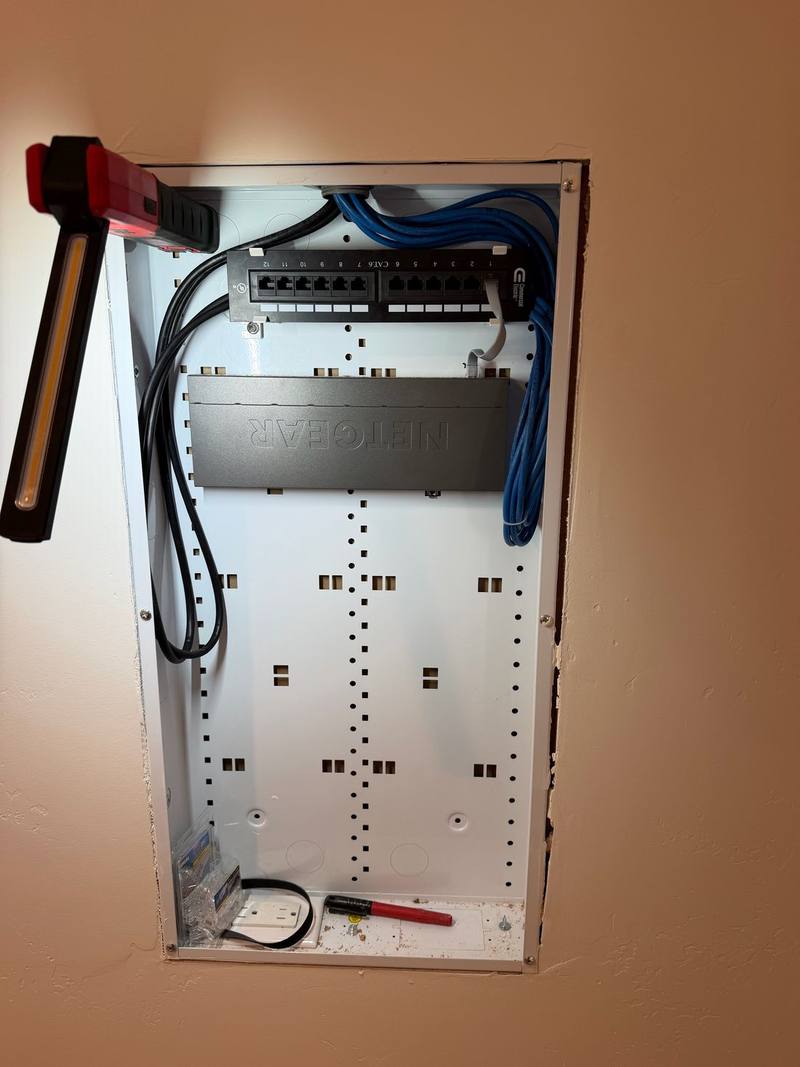
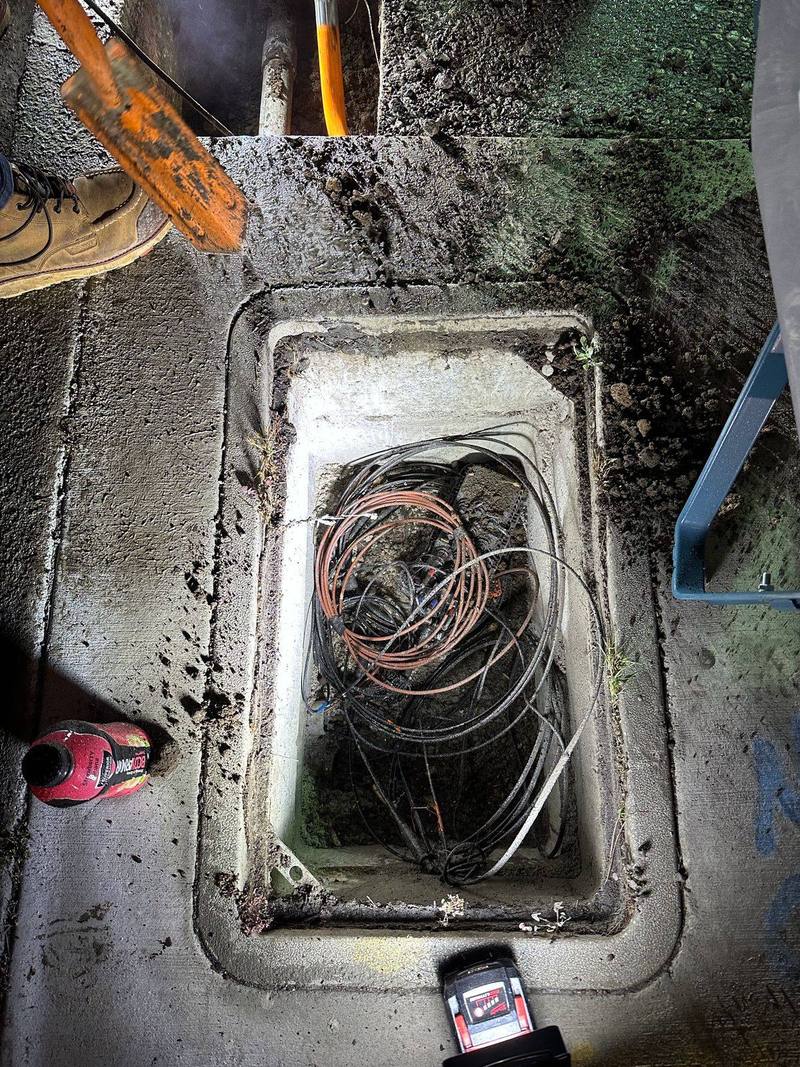
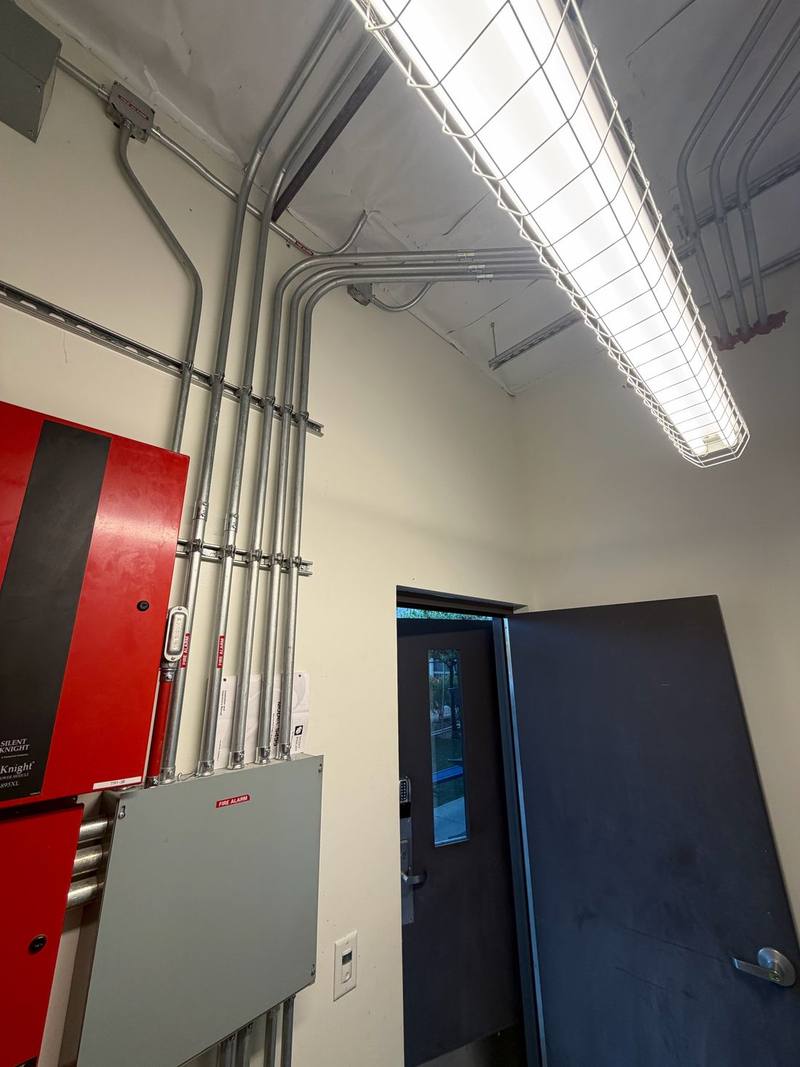
How the job goes
- 1Call or send a quote request
Tell us which doors and gates, and who needs in.
- 2Door and gate survey
Frames, fire ratings, exit rules, the gate operator and your fire district’s requirements.
- 3Design and estimate
Readers, locks and wiring for each opening, in writing.
- 4Install and test
Every door and gate tested, safety sensors checked with your gate company, and fire department testing where required.
- 5Handoff
Adding and removing people, schedules and the entry log in the app.
Permits, fire access and codes
Locks on exit doors have to meet building and fire code for safe exit, and gates across fire access roads need fire department approval and an approved way to open them in an emergency (fire code 503.6). Some districts witness an acceptance test of the gate override (South Placer Fire).
Inside Auburn city limits, electrical permits come from the City of Auburn Building Division, which takes permit applications online. In unincorporated areas, such as North Auburn, it’s Placer County Building Services. Elsewhere it’s that city or county’s building department. We pull the permit, schedule the inspection and meet the inspector.
It may seem odd to describe electrical work as beautiful, but that’s precisely what Walter’s work is—beautiful!
Common questions
Can my gate open for my license plate?
Yes, with a plate camera and an access system that supports it. The plate becomes the credential, and the system can save video each time the gate opens.
What happens if someone loses a card?
You turn that card off in the app. Nobody has to rekey anything.
Can visitors call me from the gate?
Yes. A video intercom can call a resident from a directory, and they can open the gate from their phone.
What does the fire department need at my gate?
An approved way to open it in an emergency. In Placer County, fire agencies use the Knox Rapid Access System, and some districts require a Knox override switch tied into the keypad. We check with your district before we wire.
Electric strike or magnetic lock?
Most doors with a lever set get an electric strike. Magnetic locks suit glass doors and some others, but they need a sensor and push-to-exit button inside and must release on fire alarm and power loss.
Do you install the gate itself?
We work alongside your gate company on the gate and operator, and handle the power, conduit, wiring and access system.
Request a free quote
Free estimates, no pressure. Tell us a little about the job and we’ll get back to you. Or call (530) 401-7419, answered 24/7.
Sources
- Fire code section 503.6: fire apparatus access road gates (UpCodes) up.codes
- South Placer Fire District: residential site standards (gated entrances) www.southplacerfire.org
- City of Auburn Building Division www.auburn.ca.gov
- Placer County Building Services www.placer.ca.gov
- Ubiquiti Help: Choosing a UniFi Access reader help.ui.com
- Ubiquiti: UniFi Access G2 Reader Pro tech specs techspecs.ui.com
- Allegion: Fail safe vs. fail secure, decoded us.allegion.com
- UpCodes: Sensor release of electrically locked egress doors up.codes
- Ubiquiti Help: Choosing a UniFi Access hub (door, gate, elevator) help.ui.com
- Ubiquiti Help: UniFi Access License Plate Unlock help.ui.com
- DASMA: Vehicular gate operators and the UL 325 standard (TDS 353) www.dasma.com
- Placer Hills Fire: KNOX Rapid Access System information placerhillsfire.org
- Axis: Why choose OSDP over Wiegand (white paper) whitepapers.axis.com
- Ubiquiti Help: Emergency evacuation and lockdown in UniFi Access help.ui.com
- Security Industry Association: Open Supervised Device Protocol (OSDP) www.securityindustry.org
- California Attorney General: California Consumer Privacy Act (CCPA) oag.ca.gov
- Ubiquiti Help: Visitor schedules in UniFi Access help.ui.com
- Ubiquiti: UniFi Intercom tech specs techspecs.ui.com
- Ubiquiti Help: Configuring the UniFi Access Elevator Hub help.ui.com
- DASMA: The ABCs of gate operators www.dasma.com
- DASMA: Designing access points with obstacles in mind www.dasma.com
- LiftMaster: Plug-in loop detector (LOOPDETLM) installation manual www.devancocanada.com
- DASMA: UL 325 and gate installations, FAQ (TDS 356) www.dasma.com
- LiftMaster: LA400 swing gate operator manual (solar section) devancocanada.com
- DoorKing: Cellular control box for telephone entry systems www.doorking.com
Product details come from the makers’ own pages and can change. Fire access rules vary by district, so we confirm them with yours before we wire. Checked against the sources above in November 2026.