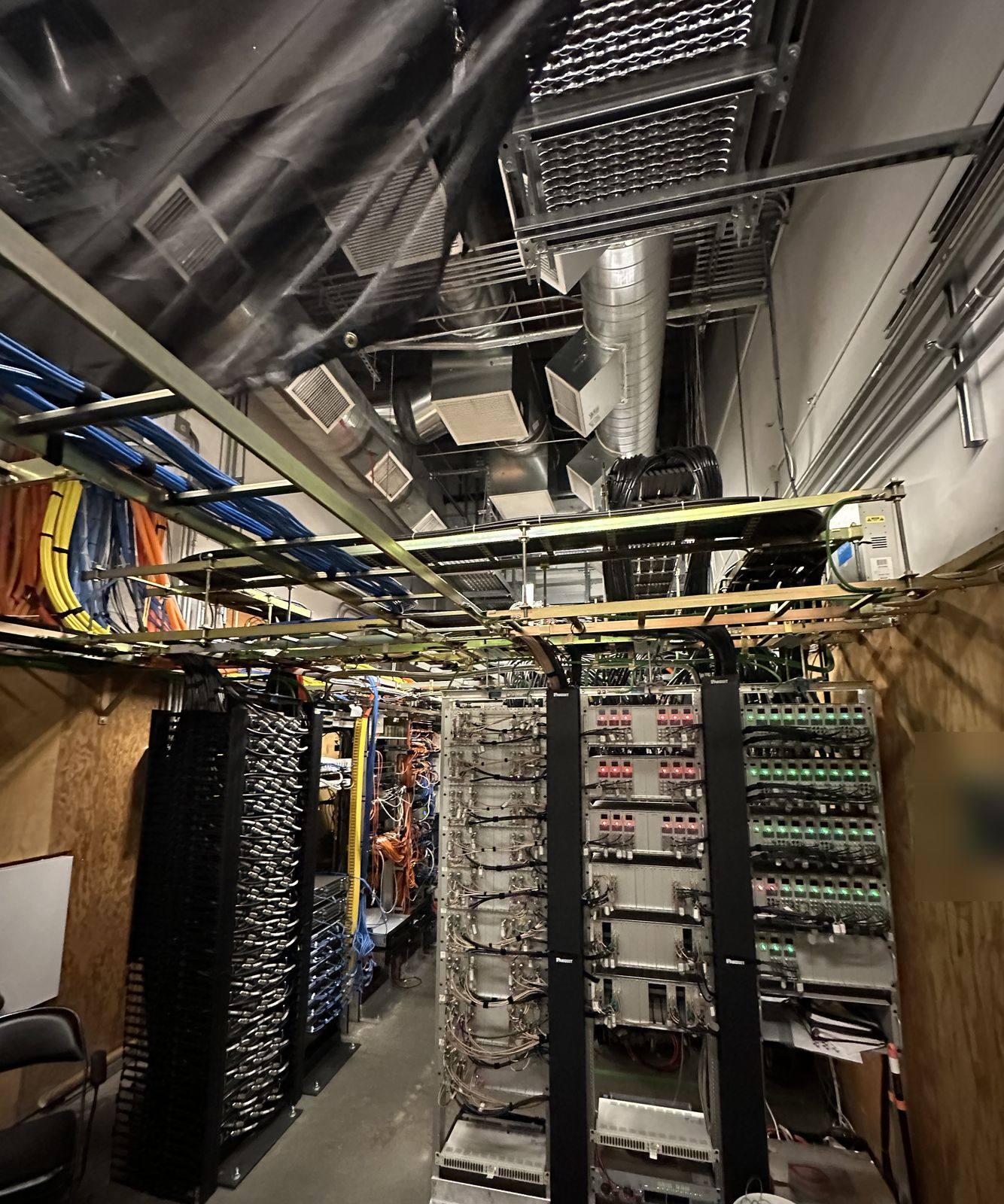
Every smart and security system now rides on the network. We run the cable and fiber, mount and power the access points, build the rack, and link outbuildings by fiber or wireless bridge. Then we set it up so cameras, doors and guests each have their own place on it. Planning a smart home? See smart home and automation.
What we do
- Gateways and firewallsIncluding two internet lines with automatic failover.
- PoE switchesSized for every camera, access point and phone they power.
- Wi-FiIndoor and outdoor access points, each on its own cable.
- Building bridgesWireless links to shops, barns and second buildings.
- FiberBetween buildings and for long runs, with no surge path.
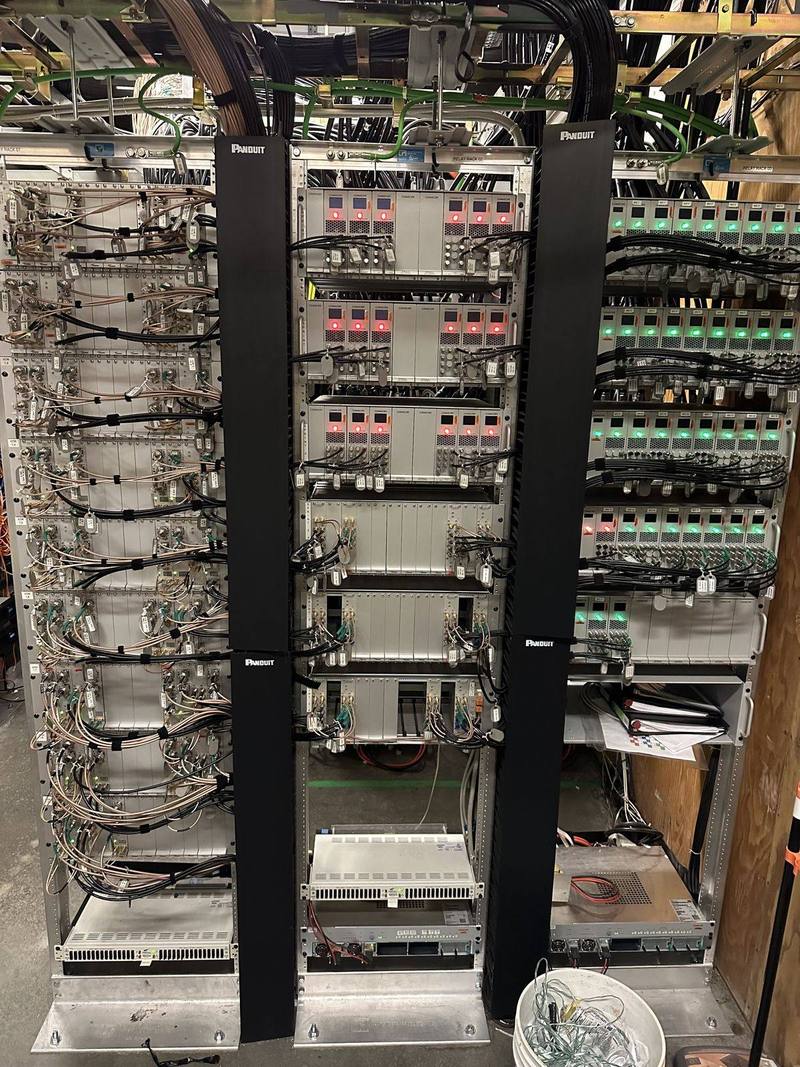
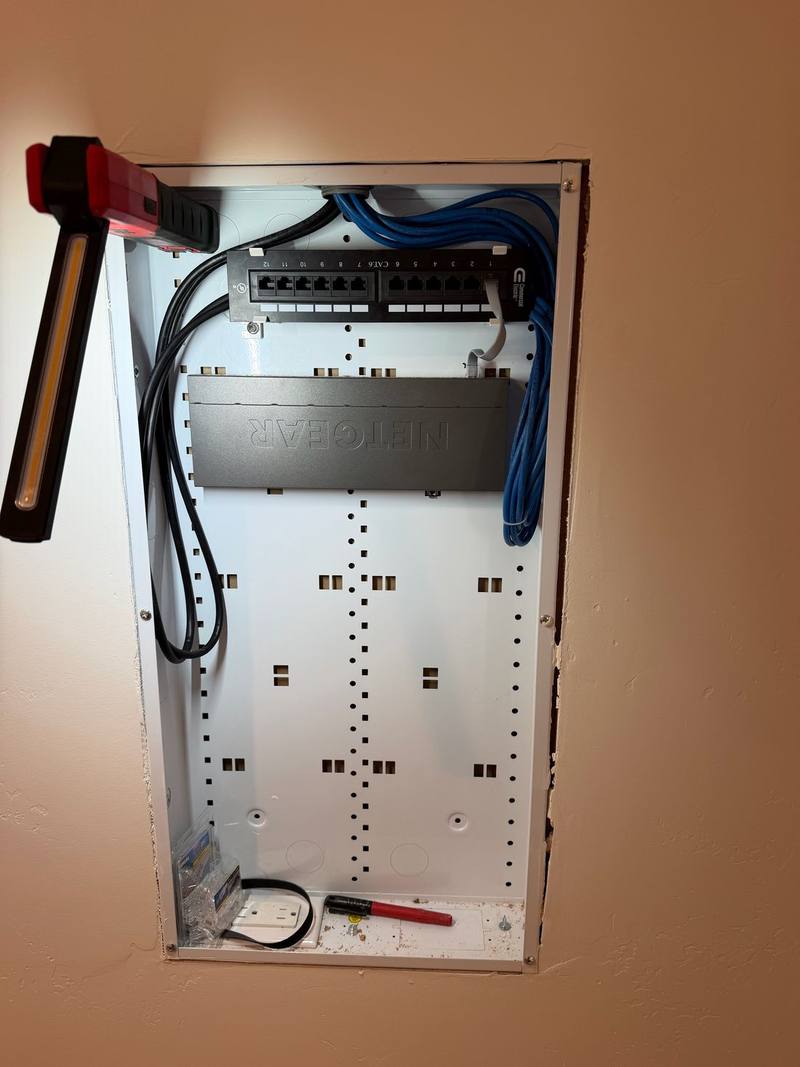
- Racks and labelingTidy, labeled, on a UPS, with a map left behind.
How a property network works
- GatewayRoutes your internet, runs the firewall, and can hold two internet lines for failover (Ubiquiti).
- SwitchesConnect everything by cable and power devices with PoE.
- Access pointsWi-Fi, mounted on ceilings and walls with one cable each.
- Bridges and fiberLink buildings: wireless where trenching is hard, fiber for distance and speed.
Wi-Fi 7, explained
Wi-Fi 7 adds wider 320 MHz channels in the 6 GHz band, 4096-QAM for about 20% more speed than Wi-Fi 6, and Multi-Link Operation, which lets a device use more than one band at once (Wi-Fi Alliance). The bigger win for most homes and offices is still simple: enough access points, each on a cable, in the right places.
| Wi-Fi 6 | Wi-Fi 6E | Wi-Fi 7 | |
|---|---|---|---|
| Bands | 2.4 and 5 GHz | Adds 6 GHz | 2.4, 5 and 6 GHz |
| Widest channel | 160 MHz | 160 MHz | 320 MHz (6 GHz) |
| Modulation | 1024-QAM | 1024-QAM | 4096-QAM |
| Uses bands at once | No | No | Yes (MLO) |
Power over Ethernet: one cable for data and power
PoE sends data and power down one Ethernet cable. The newer 802.3bt standard uses all four pairs to deliver up to 71.3 W to a device (Ethernet Alliance).
| Standard | Power at the device | Common uses |
|---|---|---|
| 802.3af (Type 1) | 13 W | Phones, small cameras, sensors |
| 802.3at (Type 2) | 25.5 W | Wi-Fi access points, PTZ cameras |
| 802.3bt (Type 3) | 51 W | Large access points, intercoms, displays |
| 802.3bt (Type 4) | 71.3 W | Heavier loads such as some lighting and displays |
Copper or fiber?
| Cable | Distance at 10 Gb/s | Use it for |
|---|---|---|
| Cat6 | Short runs only, about 37–55 m (Fluke Networks) | Most cameras, phones and desks |
| Cat6A | 100 m (Fluke Networks) | Wi-Fi 7 access points, future-proofing |
| Multimode fiber (OM3 / OM4) | 300 m / 400 m (Fiber Optic Association) | Inside a building or campus |
| Single-mode fiber | Kilometers (Fiber Optic Association) | Between buildings, long runs, gates |
Fiber doesn’t carry electricity, so it’s also a good choice between buildings, where copper can bring in surges.
One login for Wi-Fi, VPN and doors
Newer platforms tie a person’s identity to everything they use: single sign-on, passwordless Wi-Fi, VPN and door access (Ubiquiti). When someone leaves, one switch turns it all off. Remote management lets us, or your IT person, see the whole site without a truck roll.
Choosing a system
There are many good networking platforms, and we’re glad to wire for the one you or your IT provider prefer. What we help you compare:
- One app for network, cameras and doors, or separate systems
- Enough PoE power budget for every camera, access point and phone, with room to grow
- Wi-Fi coverage planned room by room, and outdoor or building-to-building links
- Licenses or subscriptions, and who manages updates
- Fiber or copper for each run, by distance and lightning exposure
From our jobs
How the job goes
- 1Call or send a quote request
Tell us where Wi-Fi is weak and what needs to connect.
- 2Walkthrough
Cable routes, rack location, outbuildings and power.
- 3Design and estimate
Access point locations, switch sizes and cable types.
- 4Install
Cable, fiber, mounting, rack and power.
- 5Set up and test
Networks for staff, guests and devices, and a coverage check.
Permits and approvals
Data cabling usually doesn’t need much permitting, but trenching between buildings, new circuits for the rack and commercial work can. We let you know before we start.
Inside Auburn city limits, electrical permits come from the City of Auburn Building Division, which takes permit applications online. In unincorporated areas, such as North Auburn, it’s Placer County Building Services. Elsewhere it’s that city or county’s building department. We pull the permit, schedule the inspection and meet the inspector.
It may seem odd to describe electrical work as beautiful, but that’s precisely what Walter’s work is—beautiful!
Common questions
Do I need Wi-Fi 7?
Not always. Wi-Fi 7 adds wider channels and multi-band links, and it’s a good choice for new installs. For most homes, more access points in the right places help more than a newer standard.
Is mesh Wi-Fi as good as wired access points?
Wireless mesh is handy where you can’t run cable, but each wireless hop shares airtime. Access points wired back to a switch are faster and steadier, so we cable them wherever we can.
Cat6 or Cat6A?
Cat6 handles most devices. For Wi-Fi 7 access points and runs you want to last, we suggest Cat6A, which supports 10 Gb/s to the full 100 m.
How do I get internet to my shop or barn?
Fiber in a trench is the most robust. Where trenching is hard, a pair of wireless bridge radios can link the buildings.
Can you work with my IT provider?
Yes. We’re happy to do the cabling, power and mounting and hand off to your IT team for configuration.
Request a free quote
Free estimates, no pressure. Tell us a little about the job and we’ll get back to you. Or call (530) 401-7419, answered 24/7.
Sources
- City of Auburn Building Division www.auburn.ca.gov
- Placer County Building Services www.placer.ca.gov
- Ubiquiti: UniFi Building Bridge tech specs techspecs.ui.com
- Ubiquiti Help: WAN failover and load balancing on UniFi gateways help.ui.com
- Wi-Fi Alliance: Wi-Fi CERTIFIED 7 introduced www.wi-fi.org
- Ethernet Alliance: Overview of IEEE 802.3bt Power over Ethernet ethernetalliance.org
- Fluke Networks: 10GBASE-T field testing requirements www.flukenetworks.com
- The Fiber Optic Association: Fiber FAQs thefoa.org
- Ubiquiti: UniFi Identity ui.com
Standards and product details come from the organizations and makers listed; we confirm them before we quote. Checked against the sources above in November 2026.