Outages happen, especially out in the foothills. A second internet path and a battery for the network keep your cameras recording, doors working and phones ringing. We wire the circuits, mount the dish or antenna, set up failover and make sure the backup gear is on backup power too.
What we do
- Dual internetA gateway with two lines and automatic failover.
- Cellular backup5G or LTE, set to failover only, with data limits.
- SatelliteDish mounting, cable and power.
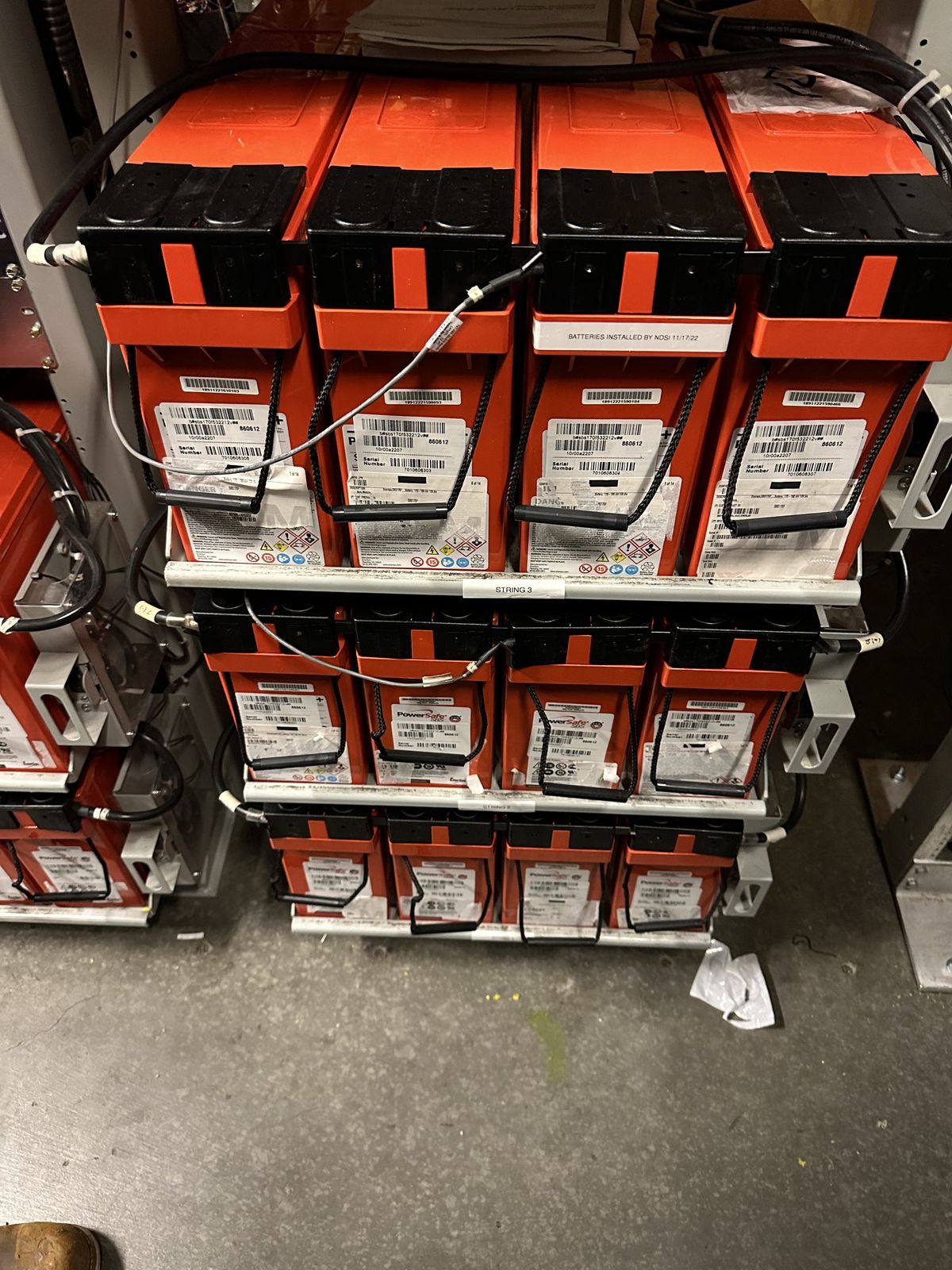
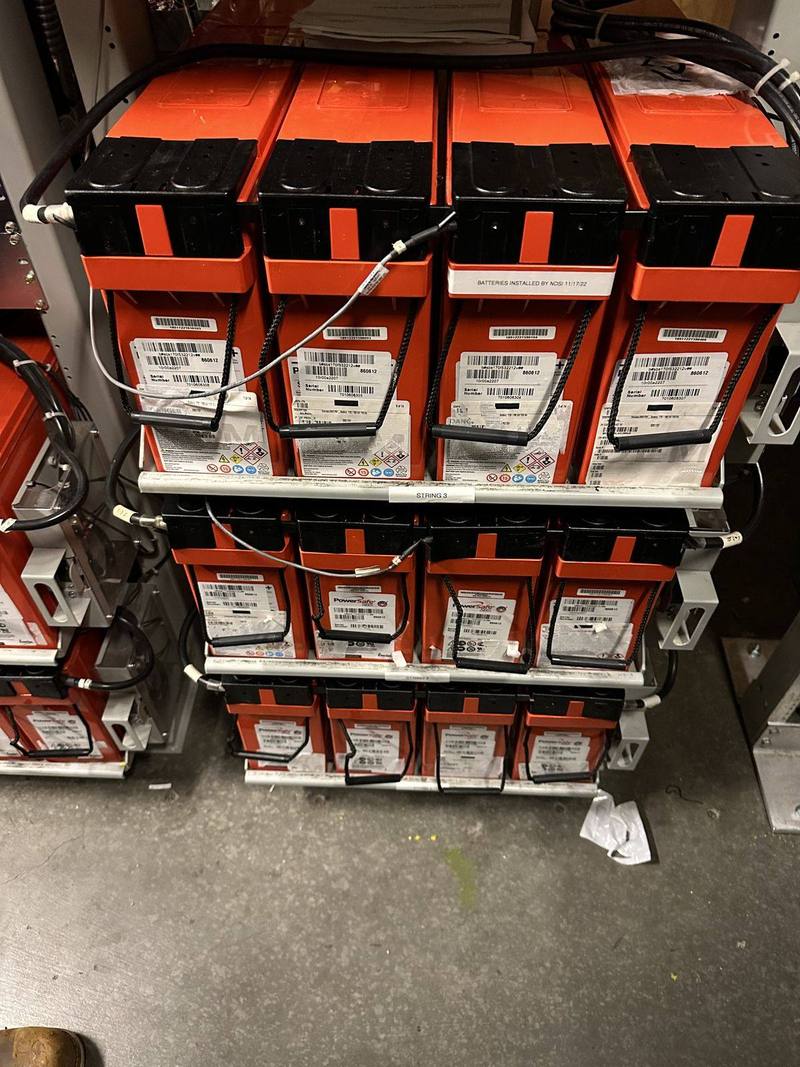
- UPS for the rackSized to what’s on it, on its own circuit.
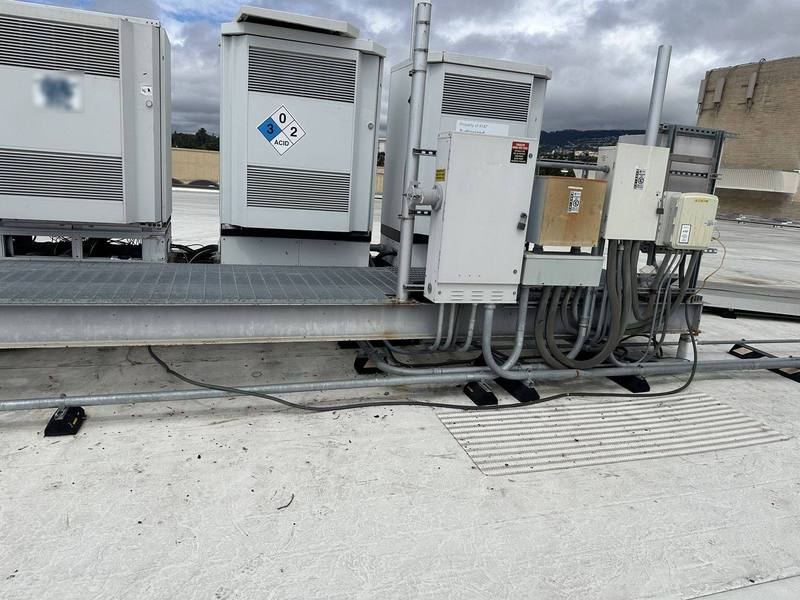
- Longer outagesTie-in to a generator or home battery.
- AlertsKnow when you’re on battery or on the backup line.
How backup internet works
Backup internet options
| Option | How it connects | Keep in mind |
|---|---|---|
| Second wired line | Cable, fiber or DSL from a different provider | Best if it comes in on a different path |
| 5G or LTE | A cellular modem on the gateway (Ubiquiti) | Needs a data plan and good signal; set data limits |
| Satellite (e.g. Starlink) | A dish on the roof or a pole | Average draw of 75–100 W for the standard kit, so it needs backup power too (Starlink) |
Battery backup for the network
Backup internet won’t help if the gateway is dark. A UPS keeps the gateway, switches and recorder running through short outages, and gives time to shut down cleanly in long ones. For longer outages, the rack can run from a generator or home battery.
0 of 6 done
Choosing a system
What we look at, whatever you already have:
- A gateway or router with two internet inputs (dual WAN) that switches over by itself
- A backup line from a different path: cellular (5G/LTE) or satellite
- UPS run time sized from the real load of the rack, switches and PoE devices
- Alerts when the main line drops or the UPS is on battery
From our jobs
How the job goes
- 1Call or send a quote request
Tell us what has to stay online.
- 2Walkthrough
Signal, mounting spots and power at the rack.
- 3Plan and estimate
Backup line, battery size and runtime.
- 4Install
Circuits, mounting, cable and setup.
- 5Test
We unplug the main line and the power, and watch it fail over.
Permits and approvals
New circuits and generator or battery tie-ins usually need a permit; a plug-in UPS and cellular modem don’t.
Inside Auburn city limits, electrical permits come from the City of Auburn Building Division, which takes permit applications online. In unincorporated areas, such as North Auburn, it’s Placer County Building Services. Elsewhere it’s that city or county’s building department. We pull the permit, schedule the inspection and meet the inspector.
It may seem odd to describe electrical work as beautiful, but that’s precisely what Walter’s work is—beautiful!
Common questions
Will my cameras keep recording without internet?
If they record to an on-site recorder, yes. What you lose is remote viewing and alerts, which is what a backup line brings back.
Is Starlink a good backup?
It can be, especially where cell signal is weak. It draws real power, about 75–100 W on average for the standard kit, so it needs to be on backup power too.
How long will a UPS last?
It depends on the battery size and the load. Use the calculator on this page for a rough number; we use the maker’s runtime chart for the real one.
Will the backup line use a lot of data?
Not if it’s set to failover only. Most gateways let you cap the data it can use.
Request a free quote
Free estimates, no pressure. Tell us a little about the job and we’ll get back to you. Or call (530) 401-7419, answered 24/7.
Sources
- City of Auburn Building Division www.auburn.ca.gov
- Placer County Building Services www.placer.ca.gov
- Ubiquiti Help: WAN failover and load balancing on UniFi gateways help.ui.com
- Ubiquiti Help: UniFi 5G and LTE backup best practices help.ui.com
- Starlink: Standard kit specification sheet starlink.com
Product details come from the makers’ own pages and can change; we confirm them before we quote. Checked against the sources above in November 2026.