
Internet phones and digital signs are simple once the wiring is right. We run a cable to each desk, put the phones on PoE switches with battery backup, and plan power and data behind every screen before the walls close.
What we do
- Desk phonesA PoE cable to each desk, mounted and labeled.
- Paging and door callsIntercom calls that ring desk phones.
- DisplaysPower and data at the right height, safe mounting.
- Battery backupPhones stay up through a power blip.
- Moves and addsNew desks, new rooms, re-labeled patch panels.
- Work with your providerWe wire it; your phone or IT provider can configure it.
Desk phones on your network
- One cable per deskA PoE switch powers each phone; no outlet needed.
- Phones registerTo a hosted phone service or a SIP provider (Ubiquiti).
- Calls go anywhereDesk to desk, out to the world, or to an app on your cell.
- Doors and pagingAn intercom call can ring a desk phone.
We run the cable, mount and label the phones, and make sure they’re on battery-backed PoE so they work in a power blip.
Digital signage and lobby displays
Managed displays can show menus, schedules, welcome messages or a live camera view, controlled from one app (Ubiquiti). We place the power and data at the right height before the drywall goes up, and mount the screens safely.
| Use | Where | Wiring we plan |
|---|---|---|
| Lobby welcome and wayfinding | Entrances, elevator lobbies | Data plus power behind the screen |
| Menus and pricing boards | Counters | Data, power, recessed box |
| Meeting room schedules | Outside each room | PoE where the display supports it |
| Security monitor | Front desk or office | Data to the recorder’s network |
Choosing a system
We wire for the phone and display systems you choose. Worth comparing:
- Standard SIP phones on PoE, so you can change providers later
- Paging and overhead speakers tied to the phones
- Displays that are managed and updated remotely
- Monthly costs per line or per screen
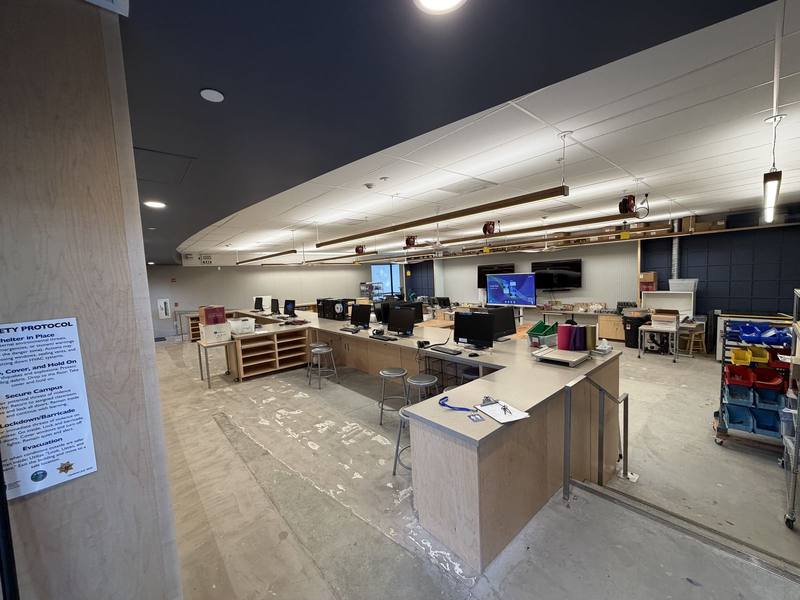
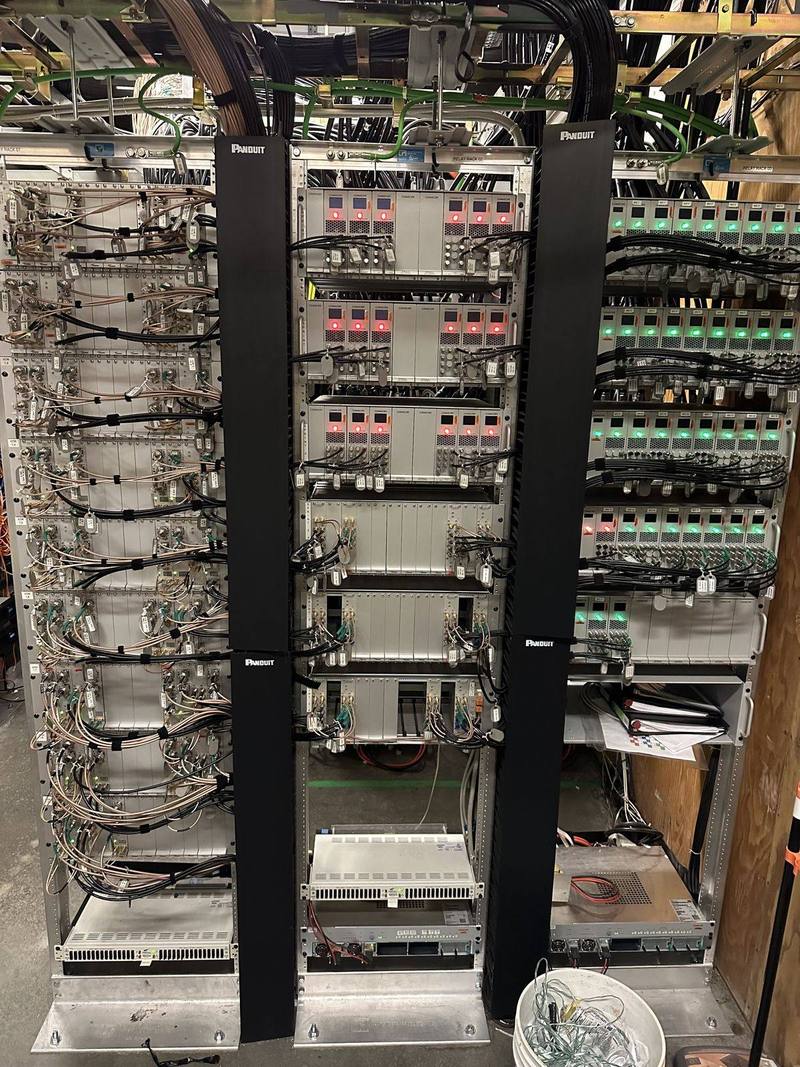
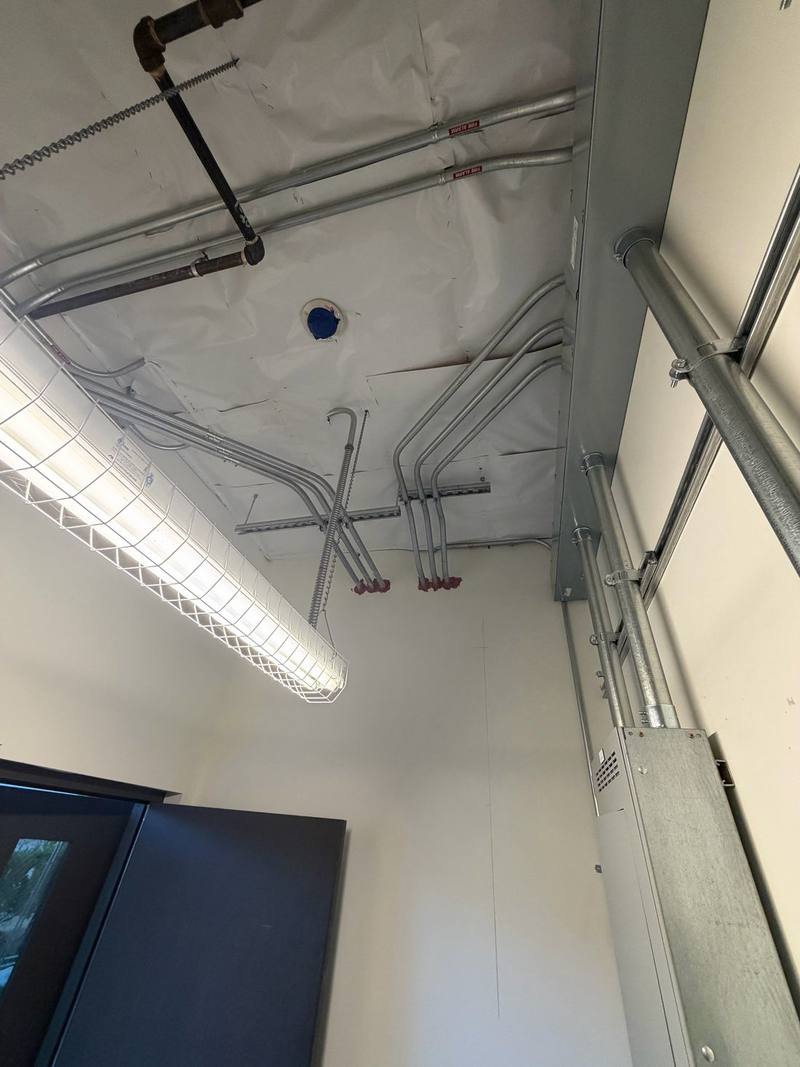
From our jobs
How the job goes
- 1Call or send a quote request
Tell us how many desks and screens.
- 2Walkthrough
Desk locations, screen spots and the rack.
- 3Estimate
Cable, switches, mounting.
- 4Install
Cabling, mounting and power.
- 5Test
Every phone registers and every screen shows content.
Permits and approvals
Data cabling rarely needs much permitting; new circuits behind displays and commercial tenant improvements can.
Inside Auburn city limits, electrical permits come from the City of Auburn Building Division, which takes permit applications online. In unincorporated areas, such as North Auburn, it’s Placer County Building Services. Elsewhere it’s that city or county’s building department. We pull the permit, schedule the inspection and meet the inspector.
It may seem odd to describe electrical work as beautiful, but that’s precisely what Walter’s work is—beautiful!
Common questions
Do VoIP phones need an outlet?
Not with PoE. The network cable powers the phone, and a UPS on the switch keeps them running in a blip.
Can I keep my phone provider?
Usually. Many PoE desk phones register to standard SIP providers.
What do I need behind a TV or display?
Power and a data cable in a recessed box at the right height, and solid backing for the mount. We plan it before the drywall goes up.
Request a free quote
Free estimates, no pressure. Tell us a little about the job and we’ll get back to you. Or call (530) 401-7419, answered 24/7.
Sources
- City of Auburn Building Division www.auburn.ca.gov
- Placer County Building Services www.placer.ca.gov
- Ubiquiti Help: Getting started with UniFi Talk help.ui.com
- Ubiquiti: UniFi integrations tech specs (Connect displays) techspecs.ui.com
Product details come from the makers’ own pages and can change; we confirm them before we quote. Checked against the sources above in November 2026.